

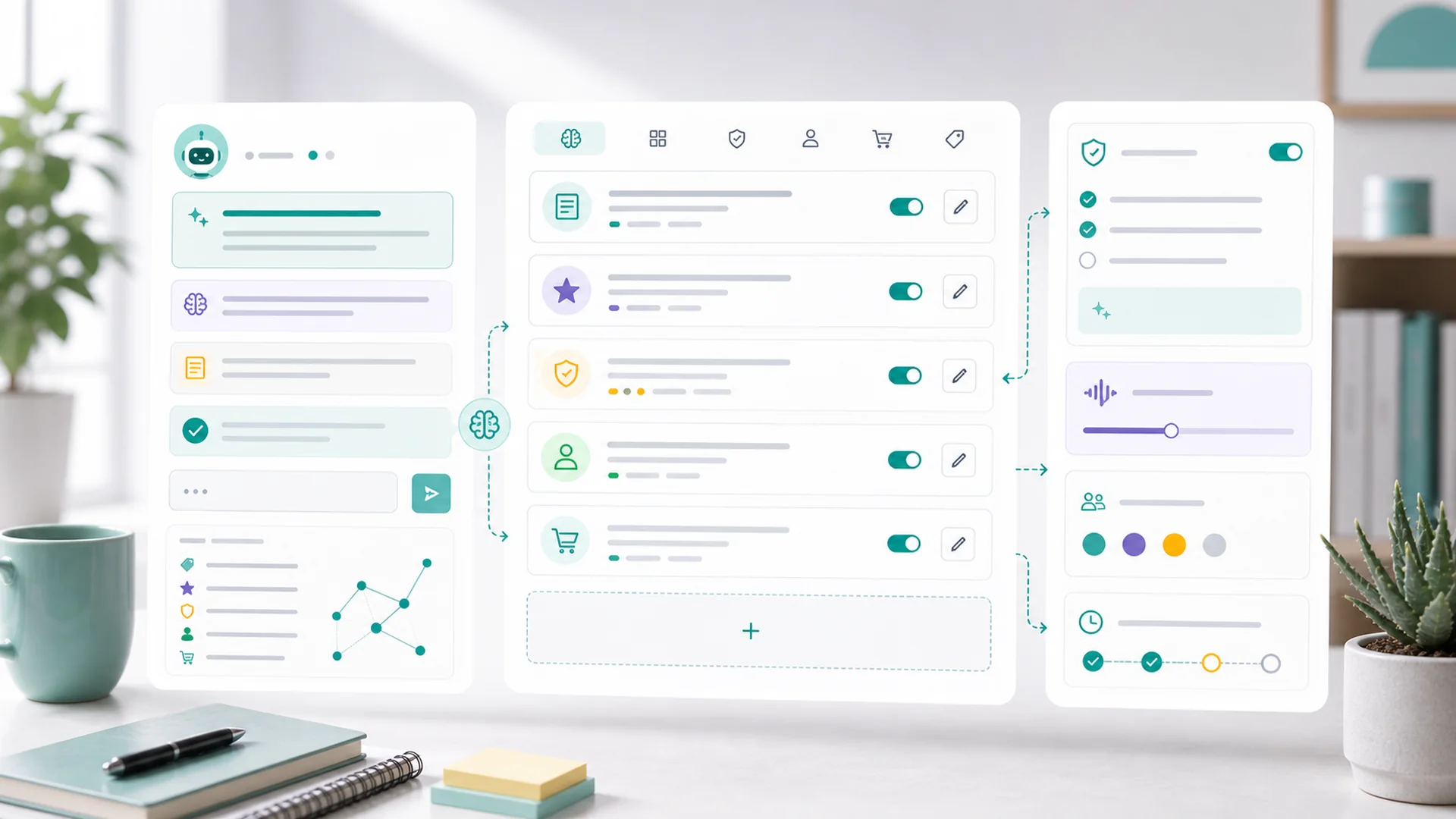
Quick answer: Workspace memory is what turns an AI assistant from a stranger you brief every morning into a colleague who already knows the business. It should hold your durable facts — voice, audience, offers, operating rules, preferences — and never secrets, customer details, or one-time instructions. The discipline that makes it pay: update memory the same day a fact changes, because stale memory quietly poisons every future draft.
There's a version of working with AI that feels like the movie Groundhog Day: every chat starts from zero, so you re-explain the business — we're a family-run studio, don't use exclamation points, the intro package is $99, always include the booking link — and the AI nods, helps, and forgets it all by the next session. The work gets done; the relationship never compounds.
Workspace memory ends the loop. It's the layer where your Faster AI keeps the durable facts of your business, so every future task starts already briefed. Here's what changes when it's on, what belongs in it, and the one habit that keeps it from going bad.
The same request, with and without memory
Without memory, you get a competent generic announcement — exclamation points, "Dear valued customer," no booking link, a tone borrowed from a company that isn't yours. Usable after five edits.
With memory, the draft arrives in your plain-spoken voice, mentions that Saturday slots suit the working parents who make up your client base, ends with the booking link because every email ends with the booking link, and routes to your approval queue because customer-facing sends always do. The five edits already happened — before the draft was written.
Multiply by every page update, post, journey, and follow-up your workspace produces, and memory is the difference between AI that assists and AI that fits.
What belongs in memory: the durable four
The memory guide's test is durability: store facts that should improve future work, not notes about current work. Four categories cover nearly everything worth keeping:
"Plain words, short sentences, no exclamation points, warm but not bubbly, prices always stated." Ten minutes writing this down replaces a hundred per-draft corrections — it's the highest-return paragraph in your workspace. (It's also the foundation of the content workflow that doesn't sound like AI.)
Who your customers actually are, in your words — and the current truth of what you sell: packages, prices, what's seasonal, what's been discontinued. This is the category that makes drafts specific instead of plausible.
"Customer-facing emails get human review." "Never promise same-day service in writing." "Refund asks under $50 are approved by default." These are the rules you'd brief a new hire on — and per the guide, rules that shape public output deserve a deliberate sign-off before they're stored, because memory applies them everywhere.
The small frictions: you want drafts as bullet points first, social posts in batches of five, Mondays are for scheduling. Individually trivial; collectively the difference between an assistant that fits your week and one you manage.
What stays out — even though it would "help"
- Secrets. Passwords, keys, codes — memory is ambient context, not a vault. Nothing that unlocks anything.
- Private customer details. Facts about people belong on their customer records, where they're governed and scoped per task — the whole argument of giving AI customer context safely. Memory remembers your business; records remember your customers.
- Temporary instructions. "This week, push the workshop" is a task, not a fact — stored as memory, it's still pushing the workshop in November. If it has an expiry date, it doesn't belong.
- The junk drawer. Memory you wouldn't re-read is memory that dilutes the good entries. Fewer, sharper facts beat a scrapbook.
Memory, records, skills: the three-way split
Your workspace has three places to "teach" the AI, and they divide cleanly:
- Memory holds facts about the business — voice, audience, offers, rules. Ambient; informs everything.
- Records hold facts about customers — attached per task, governed, never ambient.
- Skills hold methods — how the newsletter gets assembled, how quotes are structured. Procedural; governs kinds of work.
Most "where do I put this?" questions answer themselves with one test: is it a fact about us, a fact about a customer, or a way of doing something?
The maintenance habit: stale memory is worse than none
Here's the failure mode nobody warns you about: memory doesn't fail by forgetting — it fails by remembering things that stopped being true. The old price quoted in a new email. The retired package recommended in a journey. The discontinued Saturday hours announced, confidently, in March. An assistant with no memory produces generic work; an assistant with stale memory produces specific, wrong work — which reads as authoritative and slips past review precisely because it sounds like you.
The countermeasures are cheap:
- Same-day updates. When a price, offer, policy, or team fact changes, the memory update is part of the change — not a someday cleanup. The guide's phrasing is exactly right: update stale context before it affects pages, posts, emails, forms, journeys, or customer work.
- Debug memory first. When the AI "keeps getting something wrong," check what it remembers before re-correcting every draft — one stale entry explains a dozen bad outputs, and fixing it fixes all future ones. (If the wrongness is about how work is done rather than a fact, the skill is the suspect instead.)
- A quarterly skim. Read your memory like a new hire would — ten minutes, once a season. Anything that makes you wince gets fixed or deleted.
Building it deliberately: the one-session starter
You can let memory accumulate from corrections — it will, usefully — but one deliberate session beats six months of drift. Write down the ten things you've re-explained most: the voice paragraph, the three customer types, the current offer list with prices, the two rules you'd never let a new hire break, the booking link that goes at the end of everything. Store those, then make your next few requests and watch the drafts arrive pre-briefed.
From there, the loop maintains itself: every time you catch yourself typing the same correction twice, that correction is a memory entry — and because sessions pick up where they left off, the facts and the work compound together. The review gate stays where it always was — a person approves what ships — but with memory underneath it, what reaches review is already yours.
Key takeaways
- Memory turns per-chat briefing into standing context: the five edits happen before the draft is written.
- Store the durable four: voice, audience and offers, operating rules, working preferences.
- What stays out: secrets, customer details (those live on records), and anything with an expiry date.
- The split: memory = facts about us, records = facts about customers, skills = ways of doing things.
- Stale memory produces specific, wrong, authoritative-sounding work: update it the same day facts change.
- Build the starter set in one session: the ten things you've re-explained most.
Frequently asked questions
How is workspace memory different from the AI just learning from our chats?
Memory is explicit and inspectable — a list your team can read, edit, and delete, not an opaque accumulation. That's deliberate: business rules that shape customer-facing output should be visible and governable, not vibes the model picked up.
Who on the team should be allowed to add memory?
Anyone can propose; facts that affect public or customer-facing output deserve an owner's sign-off before they're stored — the same logic as any operating rule. Preferences ("I like drafts as bullets") are personal and harmless; "our cancellation policy is X" is policy.
Can too much memory make the AI worse?
Yes — a bloated memory buries the load-bearing facts under trivia and contradictions. Curate like a one-page briefing document, not a diary. If two entries disagree, the AI has to guess which you meant; the quarterly skim exists to catch exactly that.
Should seasonal offers go in memory?
Recurring seasonal structure, yes ("we run a spring tune-up offer every March"). The specific live promotion, no — that's a campaign with an end date, and memory has no calendar. Anything that expires belongs in the work, not the memory.
What's the first thing I should put in memory today?
The voice paragraph — how you talk, what you never say, what every message ends with. It improves literally every future draft, takes ten minutes, and you already know every word of it from saying it to humans for years.
Open your workspace memory, write the voice paragraph, add the offer list, and make one request you've made before — the difference will explain this post better than the post did. The business stops being re-explained, and starts being remembered.


