

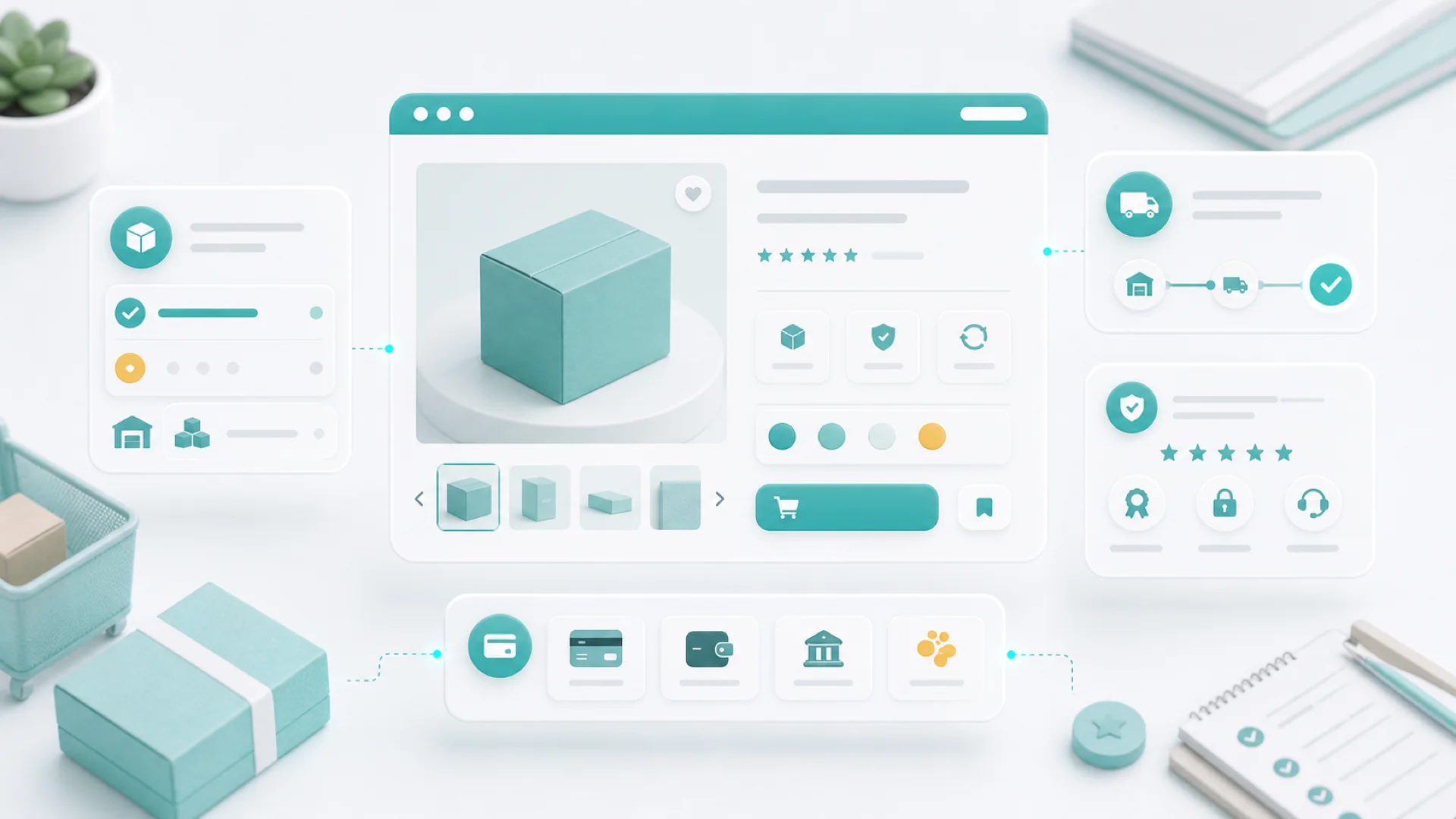
Every product page is silently interrogated by five questions: what is this really (images answer it), can I trust what's in stock (inventory honesty), what happens after I pay (fulfillment clarity), why buy from you (trust signals), and can I afford it today (deposits and partial payments for big-ticket items). Answer all five and the page sells; leave one silent and the cart stays empty.
Online, customers can't pick the product up, turn it over, or ask the person behind the counter. The product page has to be the hands, the eyes, and the shopkeeper at once. Most small-store pages fail not from bad products but from unanswered questions — so let's build the page as a series of answers.
What is this, really?
Images do the heavy lifting, and a usable product image set follows a shot list, not inspiration:
Phone cameras and window light are enough; consistency matters more than gear. The description then splits into two jobs: a two-line story of why this product exists, then scannable specifics — dimensions, materials, care, what's included. Specs answer questions; the story answers "do I want this." Pages need both, in that order of brevity.
Can I trust what it says is in stock?
Inventory honesty is conversion infrastructure. Track real stock and variants so the page never sells what you don't have — the "sorry, actually out of stock" email is the most expensive message a small store sends, because it refunds the money and the trust. Scarcity shown truthfully ("2 left") converts; scarcity faked gets noticed. And a sold-out page should keep working: visible product, "back in stock" notify-me, related items — sold out is a marketing moment, not a dead end.
What happens after I pay?
Right next to the buy button, three lines: when it ships, what it costs to ship, and how returns work. Vagueness here reads as risk, and risk loses carts at the final step. Behind the page, orders and fulfillment run on the same records, so the promise on the page and the process in the back room are one system — and the order confirmation can honestly say what happens next, because it knows.
Why buy it here?
Chain stores have brand recognition; you have specificity. A line about who makes it and where. A review with a name on it. The photo of your workshop. "Ships from our studio in two days, packed by the person who made it" outsells a wall of trust badges — because it's checkable, and checkable is what trust means online. Organize the catalog with categories that match how customers shop (by occasion, by recipient, by problem — not by your supplier's taxonomy), and the browsing itself starts feeling like being helped.
Can I afford it today?
For big-ticket items — furniture, custom pieces, equipment, event packages — the honest blocker is cash flow, and the page can answer it: deposits and partial payments turn "I'll think about it" into "reserve mine". State the structure plainly — what's due now, what remains, when, and the refund rule — and the deposit reads as flexibility instead of fine print. It's the same psychology as the booking deposit: commitment made affordable.
A product page is a conversation where only one side gets to talk. Script your half against their questions.
Every unanswered question on the page becomes an abandoned cart in the report.
Selling beyond the page
Once a product is configured, it can sell anywhere a link goes: a checkout link drops the buy moment directly into an email, a social post, or a DM reply — no navigation, no hunting. The newsletter's featured product, the "yes it's available" reply, the story-arc finale from your social calendar — each gets a straight line to payment, and every sale still lands in the same orders and customer records.
Key takeaways
- Shoot the list, not the vibe: clean, context, detail, scale, per-variant — phone camera is fine.
- Inventory honesty is conversion: real stock, truthful scarcity, sold-out pages that still work.
- Answer "after I pay" beside the button: shipping time, cost, returns — three lines.
- Specific beats badged: checkable human details are a small store's trust advantage.
- Deposits unlock big tickets; checkout links put the buy button anywhere you talk to customers.
Frequently asked questions
How many products do I need to launch a store?
One good one beats forty thin ones. Launch with your best seller fully dressed — full shot list, honest stock, clear policies — and add products as each can be done properly. A small catalog of complete pages outsells a big catalog of half-pages.
Should prices include shipping?
Pick the structure that kills surprise: either fold shipping into the price and say "free shipping", or show shipping cost on the product page before checkout. The killer isn't the cost — it's discovering it at the last step.
What about products with lots of variants?
Variants belong on one page (one product, many options), separate products deserve their own pages. The test: would a customer call them the same thing? Sizes and colors are variants; "the mini version" is usually its own product with its own search traffic.
How do I get reviews when I'm just starting?
Ask at the happiness peak — a week after delivery, in the follow-up email, with a direct link. Three real reviews with names beat a hundred imported stars; until then, a founder's note about the product does surprising work.
Do service businesses need product pages?
Packaged services sell exactly like products — a "Garden Refresh Package" with photos, a clear scope, a price, and a deposit converts strangers who would never call for a quote. If you can name it and price it, give it a page.
A product page sells when the customer runs out of questions before they run out of interest. Script the five answers, photograph the list, keep the stock honest — and let the page do the shopkeeping. Setup steps live in the help center.


