

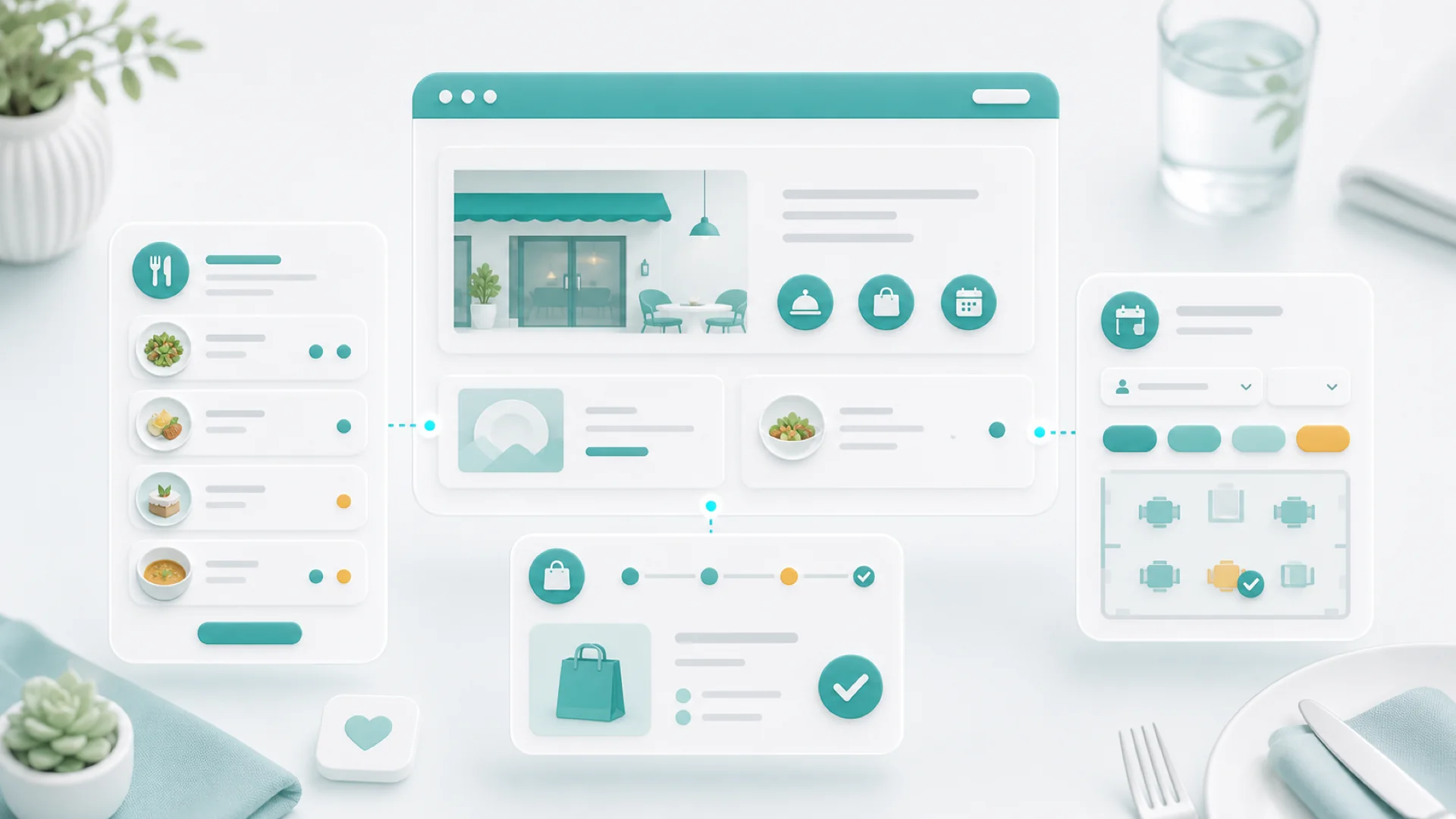
A restaurant website has exactly three jobs: answer the right-now questions (open? where? menu?) in one glance, show a menu that's real data instead of a PDF, and capture orders and reservations without making anyone call. Do those three and the site pays rent; miss them and no amount of food photography saves it.
Nobody browses a restaurant website. They arrive hungry, on a phone, mid-decision: open now? close to me? what's the menu? can I order or book? Every visit is a transaction interrupted only by your page speed. That clarity makes restaurant sites easier to build than almost any other business site — as long as you build for the visit that actually happens, not the brand experience you imagine.
Answer the right-now questions above the fold
The first screen of your homepage, on a phone, must answer: are you open right now, where are you, and what kind of food — plus two buttons: order and reserve (or whichever one you do). Hours deserve text, not an image; the address links to maps; the phone number is tappable. Everything else — your story, the chef, the press quotes — lives below or on the about page. A hungry person given the answer in three seconds stays; one made to scroll past a hero video doesn't.
A menu that is data, not a PDF
The PDF menu is the single most common restaurant-website sin: slow to load, unreadable on phones, invisible to Google, and out of date the day prices change. The fix is structural — your menu belongs in the site as structured items, organized the way you actually serve:
- Menu types for the contexts you serve: lunch, dinner, weekend brunch, drinks — each with its own schedule, so the lunch menu shows at lunch.
- Categories within each: starters, mains, desserts — the structure regulars skim by.
- Items with real fields: name, description, price, dietary marks. Searchable by Google, readable by screen readers, updatable in one place the moment the kitchen changes something.
Designer updates the file quarterly. Customers pinch-zoom. Google sees nothing. The gluten-free question still gets phoned in daily.
You edit the item, the site updates everywhere it appears. "best ramen near me" searches find your actual dishes. Dietary marks answer questions before they're asked.
Your menu is your inventory, your ad copy, and your SEO — stop trapping it in a PDF.
Structured menu items are the difference between a brochure and a storefront.
Orders without a phone call
Once the menu is data, online ordering is the same data with a cart on it. The details that decide whether it works in a real kitchen:
- Addons and choices belong on the item — size, sides, "no onions", extra sauce — so the order arrives kitchen-ready instead of triggering a callback.
- Scheduling guards your service: ordering follows your real hours and prep capacity — pickup times the kitchen can honor, ordering that closes when the kitchen does.
- Direct orders are yours: no marketplace commission, and the customer record lands with you — which is what makes the follow-up and regulars math work later.
- The order flow gets the phone test: place a real test order on cellular before launch — every tap between "hungry" and "paid" loses orders, same as any booking flow.
Reservations that respect capacity
Table booking is the booking-page problem with a floor plan: honest availability (real tables, real turn times, real staffing), party-size limits with a "call us for 8+" escape hatch, and a confirmation that states the hold policy plainly. The availability rules and follow-up habits from the bookings playbook apply unchanged — and a reminder message the afternoon of the reservation quietly erases most no-shows. For peak nights, a deposit on large parties is normal now; state it up front like the deposits guide describes.
The quiet multipliers
- Photos of your actual food, taken in your actual light — six good ones beat sixty. Phone cameras are enough; stock photography is instantly recognized and quietly distrusted.
- The local SEO basics hit harder for restaurants than anyone: complete business profile, steady reviews, identical name-address-phone everywhere — the whole local playbook applies, with the menu-as-data bonus that your dishes themselves become searchable.
- A tiny email habit: order and reservation contacts become an audience; one email a month — new menu, seasonal special, holiday booking reminder — fills slow weeks. The email guide covers the system in an afternoon.
Key takeaways
- Build for the hungry phone visit: open-now, where, menu, two buttons — in one glance.
- Menus are structured data: types on schedules, categories, items with prices and dietary marks. Never a PDF.
- Orders arrive kitchen-ready: addons on items, scheduling that matches real capacity, direct and commission-free.
- Reservations follow booking rules: honest tables, stated policies, afternoon-of reminders.
- Real photos, local SEO, one email a month — the multipliers that fill the quiet nights.
Frequently asked questions
We're on the delivery marketplaces — do we still need our own ordering?
Yes, and the marketplaces are the argument: their commission on every order is the rent you pay for not owning the relationship. Keep them as discovery channels if they bring new faces, and move regulars to direct ordering — a card in every bag with "order direct next time" does more than it should.
How do I keep the online menu in sync with the kitchen?
Make the website the single source: when a dish changes or runs out, edit the item once and everywhere it renders updates. The discipline is organizational, not technical — one person owns menu edits, and the kitchen tells them, not the designer.
Multiple locations — one site or several?
One site, one page per location with its own hours, address, menu differences, and order/reserve buttons. Each location page can rank for its own neighborhood, and you maintain one brand instead of three drifting copies.
What about showing daily specials?
Specials are exactly what menu-as-data is for: a "specials" category or a scheduled menu type you edit in a minute each morning. If you post specials on social anyway, the website version is the same sentence — and unlike the story, it's still findable at 6pm.
Is a one-page site enough for a small cafe?
Often, yes — if that one page does all three jobs: right-now answers up top, the structured menu in the middle, order/contact at the bottom. Grow into separate pages when the menu or the bookings outgrow the scroll. The jobs don't change; only the layout does.
A restaurant website earns its keep one hungry visitor at a time: answer fast, show the food as data, take the order without a phone call. Everything else is garnish. The setup steps live in the help center.


